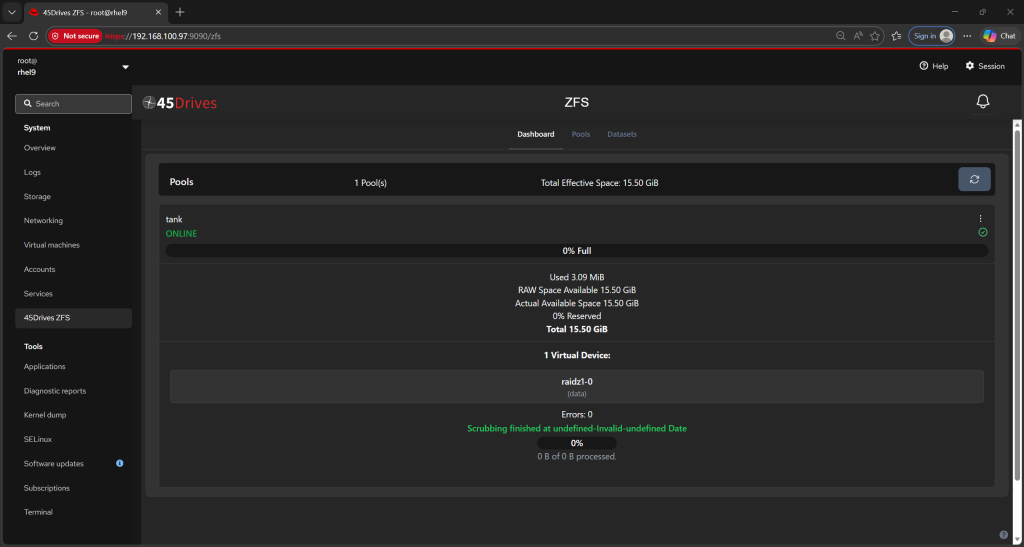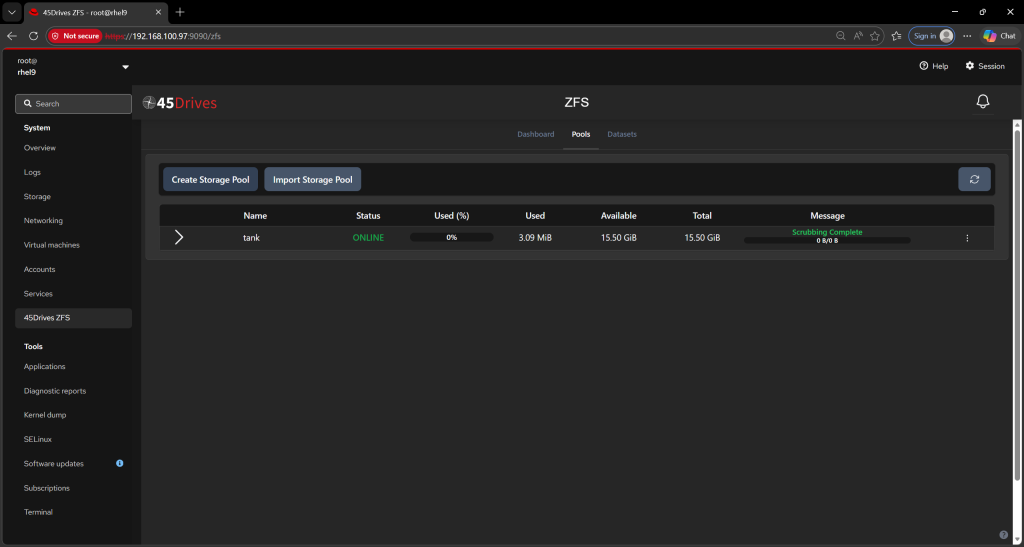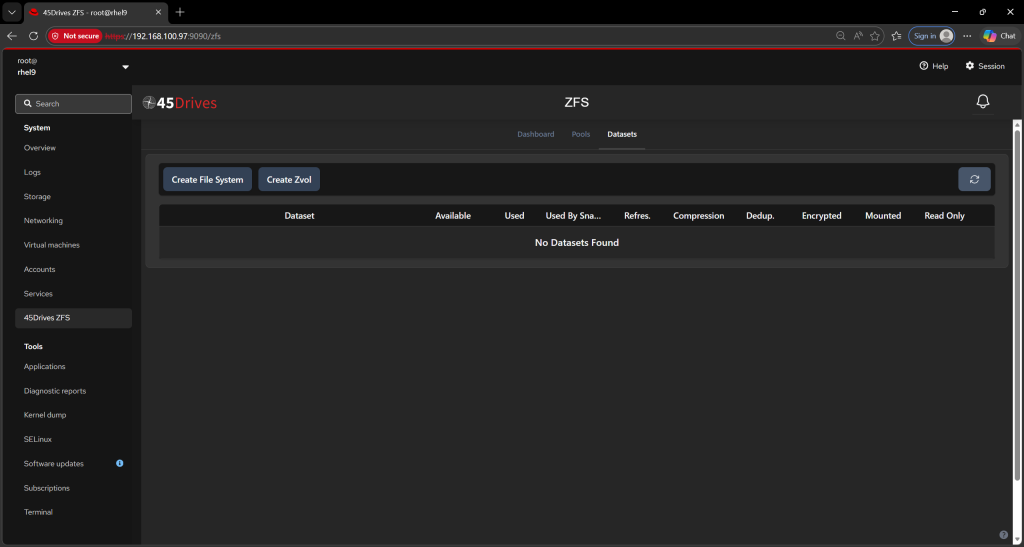
Building a robust storage web interface requires tying together multiple infrastructure layers. Recently, I set out to integrate the 45Drives cockpit-zfs module into Red Hat Enterprise Linux (RHEL) 9. While the Cockpit platform makes UI extensions straightforward, RHEL 9’s strict enterprise packaging boundaries threw a few roadblocks my way. Here is a breakdown of the challenges I encountered during the dependency and build phases, and exactly how I resolved them.
Challenge 1: The Invisible Perl Dependency (perl(IPC::Run))
The Symptom
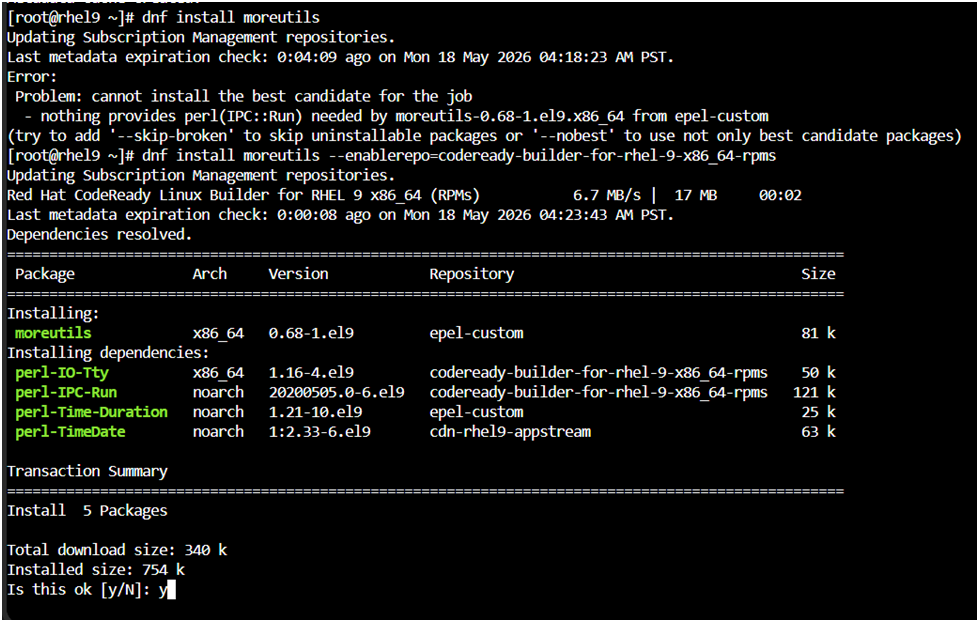
While pulling down build tools like moreutils from the EPEL (Extra Packages for Enterprise Linux) repository, the installation halted with a frustrating error:
Error: Problem: cannot install the best candidate for the job
  - nothing provides perl(IPC::Run) needed by moreutils-0.68-1.el9.x86_64
The Root Cause
Red Hat splits packages into different functional repositories to keep the core OS lean. The perl-IPC-Run library is designated as a development utility. Therefore, it is isolated inside Red Hat’s CodeReady Linux Builder (CRB) repository. EPEL assumes CRB is enabled, but on standard RHEL 9 installations, CRB is turned off by default.Furthermore, even after activating the subscription repository, local dnf metadata caching can cause the system to ignore the newly opened pipeline.
The Fix
To bypass the broken cache and force DNF to recognize the development channel, I explicitly invoked the CRB repository flag directly during the package installation:
dnf install moreutils --enablerepo=codeready-builder-for-rhel-9-x86_64-rpms
Challenge 2: Provisioning the Yarn Build Tool Engine
The Symptom
The cockpit-zfs project requires yarn to compile its frontend assets. However, running a standard dnf install yarn returns no matching packages on a fresh RHEL 9 deployment.
The Root Cause
Yarn is not included in the standard RHEL 9 core runtime or application streams.The FixInstead of cluttering the system with external, third-party package repositories that might break during future OS minor-version upgrades, I leveraged RHEL 9’s native Node.js ecosystem.By pulling Node.js from the standard AppStream, I used the Node Package Manager (npm) to safely anchor Yarn globally:
# 1. Install Node.js and npm from the default AppStream
dnf install nodejs npm -y

# 2. Deploy Yarn globally via npm
npm install -g yarn

# 3. Grab jq from EPEL to satisfy the remaining build scripts
dnf install jq -y
The Home Stretch
With the backend packaging dependencies unlocked and the frontend JavaScript engines correctly injected, the cockpit-zfs source code compiled seamlessly.Navigating into the repository and executing the build automation now completes without a hitch:
make && make install
Key Takeaway
When working with cutting-edge or community-maintained web UIs on enterprise distributions like RHEL 9, never assume all dependencies live in the standard repositories. Always look to the CodeReady Linux Builder channel for missing libraries, and utilize language-native package managers (npm/yarn) to bridge gaps without breaking system stability.
The Final Step: Activating the Module
After the installation completes successfully, Cockpit needs a quick refresh to register and display the new ZFS management tab. Run the following command to restart the Cockpit service:
systemctl restart cockpit.socket
Use code with caution.Once restarted, log back into your Cockpit web console (usually at https://your-server-ip:9090), and you will see the brand-new ZFS storage section ready for action!